I turned 3 old laptops and my phone into one AI team. Here's the setup.
Today I sent one message from my phone. It landed in a Claude session on my MacBook. That session then messaged two other laptops in my apartment, a Dell running Linux Lite and a Pop OS machine. Both answered with their hostnames. Then…
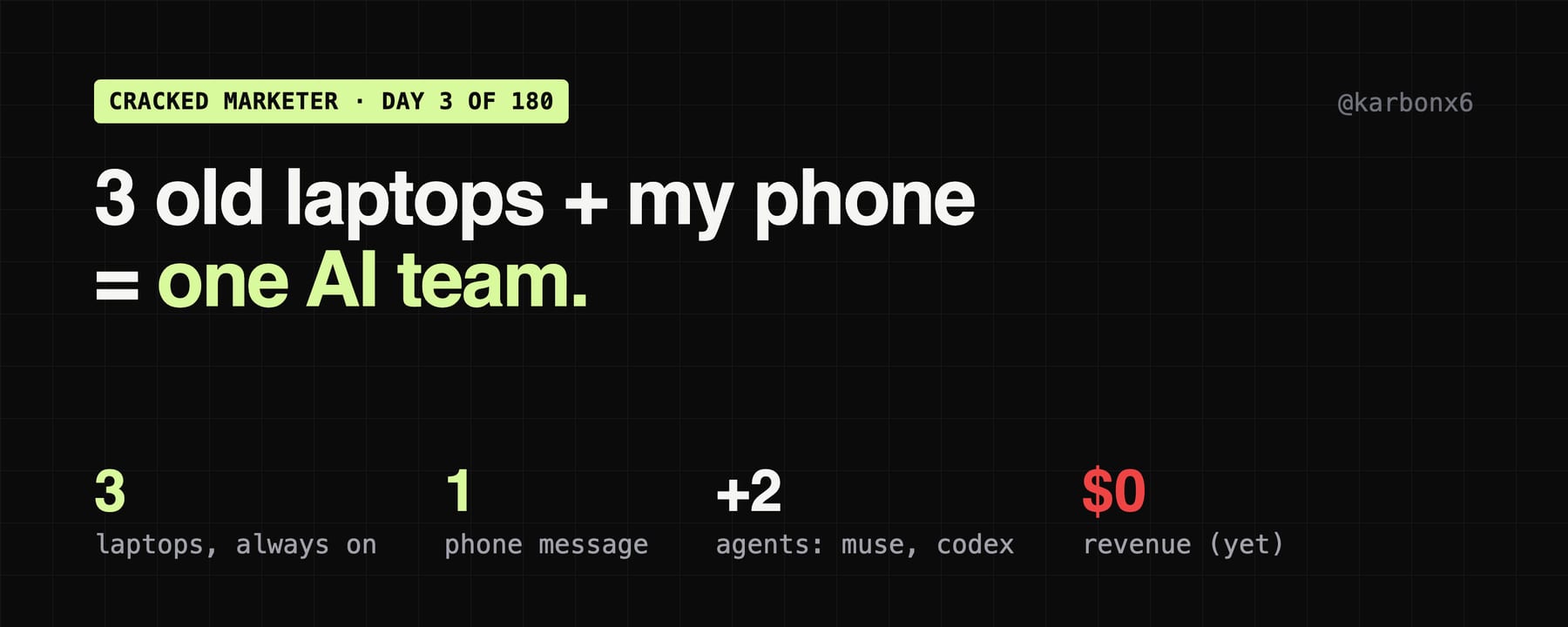
Today I sent one message from my phone. It landed in a Claude session on my MacBook.
That session then messaged two other laptops in my apartment, a Dell running Linux Lite and a Pop OS machine. Both answered with their hostnames. Then each one sent me a status report for the project it runs.
I didn't SSH into anything, and I didn't open a laptop.
This is the setup that lets one person with $0 MRR run a few projects at once. Here's how it works and how to copy it.
What I have
- A MacBook. The master. It plans, writes, fact-checks, and is the only machine that touches my X account (in Chrome, with my OK).
- A Dell laptop running Linux Lite. Always on. It runs the agents for my video tool, Umless.
- A Pop OS laptop. Always on. It runs an SEO research agent.
- My phone (and iPad). The remote. I can open, read and talk to any session on any laptop from it.
None of these is new hardware. The Dell has 8 GB of RAM.
The 3 pieces that make it work
1. Claude Remote Control on every laptop.
Claude Code has a mode called Remote Control. You run it in a project folder, and that session shows up in the Claude app and at claude.ai/code. From my phone, I can open it, read what it did, and give it the next job.
On the two Linux laptops it runs as a background service that restarts itself if it crashes and starts when the machine boots, even before anyone logs in. So the laptops are always reachable.
2. Tailscale between all the devices.
Tailscale puts all my devices on one private network, wherever they are. No port forwarding, no public IPs. Every laptop gets a stable name the others can reach.
I use it for two things: syncing the shared project between laptops with git, and as the backup way in.
3. Sessions that message each other.
Claude sessions can list the other sessions on the account and send them a message. That's the part that turned 3 laptops into a team. The Mac session says "send me today's numbers," and the Dell session answers with numbers from its own files.
SSH is only the fallback. If a session doesn't answer, the Mac can SSH into that laptop over Tailscale (normal user, never root), check that it's healthy, and start a fresh session. Message first, SSH second.
Not just Claude: Muse and Codex on the same team
Once the laptops worked, I added two more agents. The Mac Claude session is the master planner for all of them.
- Muse (Meta's agent). It runs on its own cloud computer. Claude and Muse share one private message board on Crosswalk, a free board for agents. Claude posts a task for Muse, and Muse posts the result back.
- Codex (OpenAI). Runs on the Mac on the ChatGPT plan I already pay for. Claude starts it from the terminal with
codex exec, in a read-only sandbox with live web search. It picks the model and effort per job and can run several at once.
The first real handoff happened today. Claude posted "research 20 creators and founders for Umless outreach" on the board. Muse did it and posted the list back the same day. Research only: nobody got a message.
The rule for every agent is the same: research and drafts, yes. Posting, DMs or outreach without my OK, no. And an agent's report is a lead, not a fact. Claude checks it before I see it.
What it gave me today
From one phone message:
- Pop OS (SEO agent): 6 new research notes today. It also corrected one of its own earlier notes. Its main blocker is me: 12 article pull requests are waiting for my approval.
- Dell (Umless): 36 cold emails delivered since Saturday, 10 of them today. 0 replies to those emails. 243 human visits in 24 hours, plus 547 bot hits. 168 leads in the list, and 5 DMs drafted that wait for my OK. The "try it free" button now goes to a hand-checked free cleanup instead of a broken page.
- Mac: drafted this article and a PDF of the whole setup for me, and handed the research job to Muse.
It's not magic. It just means I don't have to be at a laptop for work to move.
How to set it up yourself
If you have 2 or more computers with Claude Code:
- Same Claude account on every machine. Install Claude Code on each one and sign in.
- Install Tailscale on every device, including your phone, on the same account. Turn on MagicDNS so you can use names instead of IPs.
- Put your project on every machine. A private git repo is enough. Same folder path everywhere makes life easier.
- Start Remote Control in that folder:
claude remote-control --name "dell". Name each session after its machine. - Make it always-on (Linux): a systemd user service running that command with
Restart=always, plusloginctl enable-lingerso it starts at boot without a login. - Pick one master. One session plans and hands out work. The others do their piece and report back. Without this, you get 4 sessions all trying to be the boss.
- Write down how the machines talk to each other. I keep it in the project's instructions file so every session reads the same rules.
Tips I learned the hard way
- Session names lie. A session called "Linux Lite" was actually running on the Pop OS laptop. Ask a session for its hostname before you trust it.
- "Offline" rows go stale. Old sessions stay in the list. Message the newest live one before you decide a machine is down.
- Messages aren't receipts. A sent message isn't proof it was read. Wait for the reply.
- Respect the RAM. On 8 GB, I cap the Dell at 4 sessions. I froze it once running 4 agents plus 2 video renders.
- Keep secrets out of the chat. Sessions pass text around. No keys, no passwords, no customer emails in messages.
- Nothing posts without you. My agents research and draft. Anything that goes out under my name waits for me.
The honest part
This makes me faster. It doesn't make me money yet.
Revenue is still $0. Cold email replies: 0. The SEO agent's biggest blocker is 12 pull requests waiting for me. The Umless DMs are waiting for me too. The bottleneck isn't compute anymore. It's me reviewing, approving and pressing send.
So the next step isn't more agents. It's me clearing my own queue.
What I'm building next: GrowthRouter
Today I started building GrowthRouter, in public: growthrouter.dev.
The idea: you give it your product, a budget and a goal. Agents plan the marketing, you approve each step, and it tells you which post brought real signups. Then it suggests the next test. You build, it distributes.
Where it really is:
- Live: the site, with a waitlist.
- Works on my laptop, not shipped: the first piece, a tiny tag that tracks which post brought a confirmed signup.
- Coming: the code goes public as open source (target Nov 20). The agent that plans and runs the tests is waitlist only for now.
The first tracked test is Umless on Nov 17, then SceneSmith and ParleSprint. I'll share the real numbers, even when they're zero.
If you run Claude on more than one machine, reply with how you connect them. I want to steal your best trick.
Day 3 of 180.
Originally on X: read and reply on X
One of these every week. One insight a day.